Clean Kit scans your photo library using on-device AI to find duplicates, blurry shots, old screenshots, and oversized videos — then helps you remove them safely in seconds.
On-device processing
Cleaning tools
Data uploaded
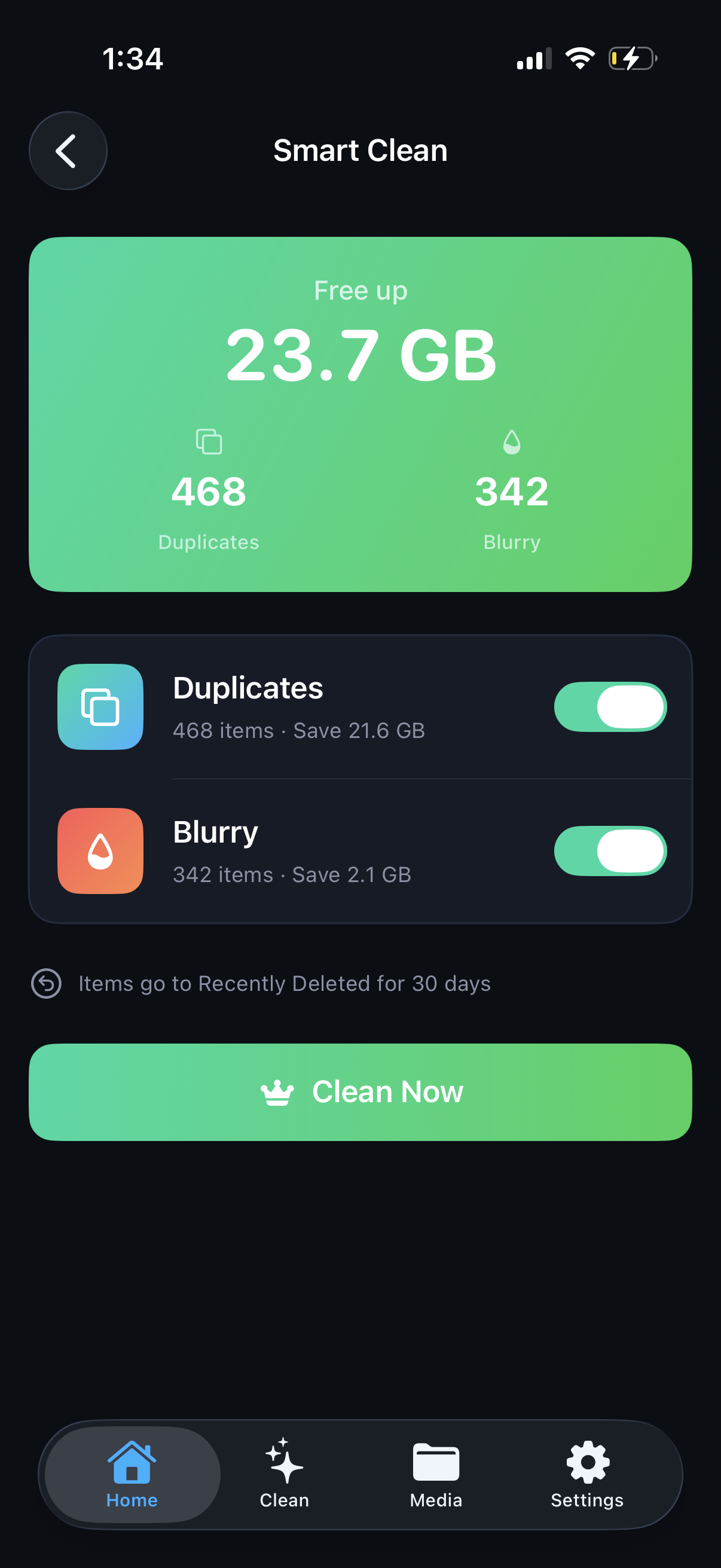
Smart Clean bundles all duplicates, blurry photos, and old screenshots into a single recommendation. See exactly how much storage you'll recover, toggle categories, and clean everything with one tap. Deleted items go to Recently Deleted — nothing is lost.
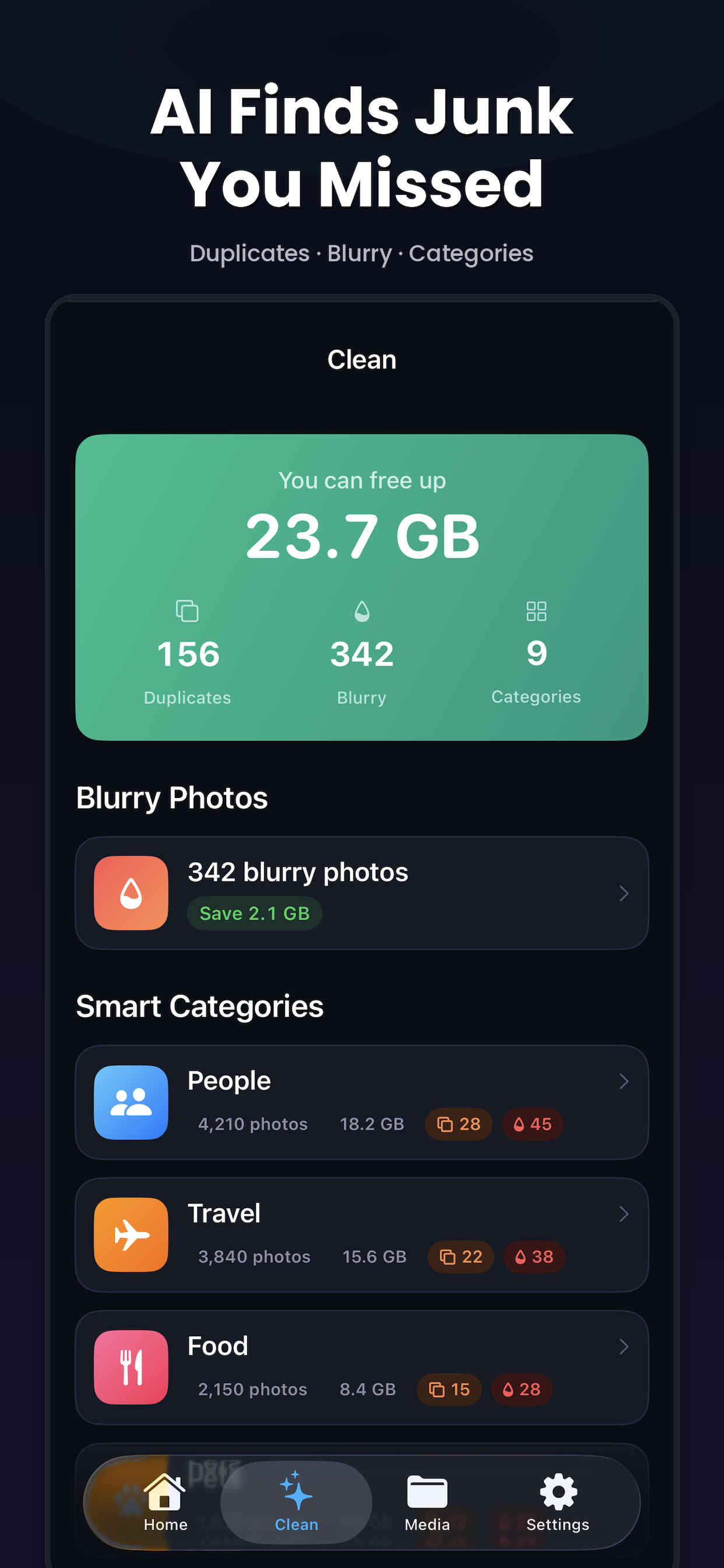
Your library is automatically sorted into smart categories — People, Travel, Food, Pets, Nature, Architecture, and more. Find exact and near-duplicate photos, review them side by side, and keep only the best shots based on sharpness, resolution, and face quality.
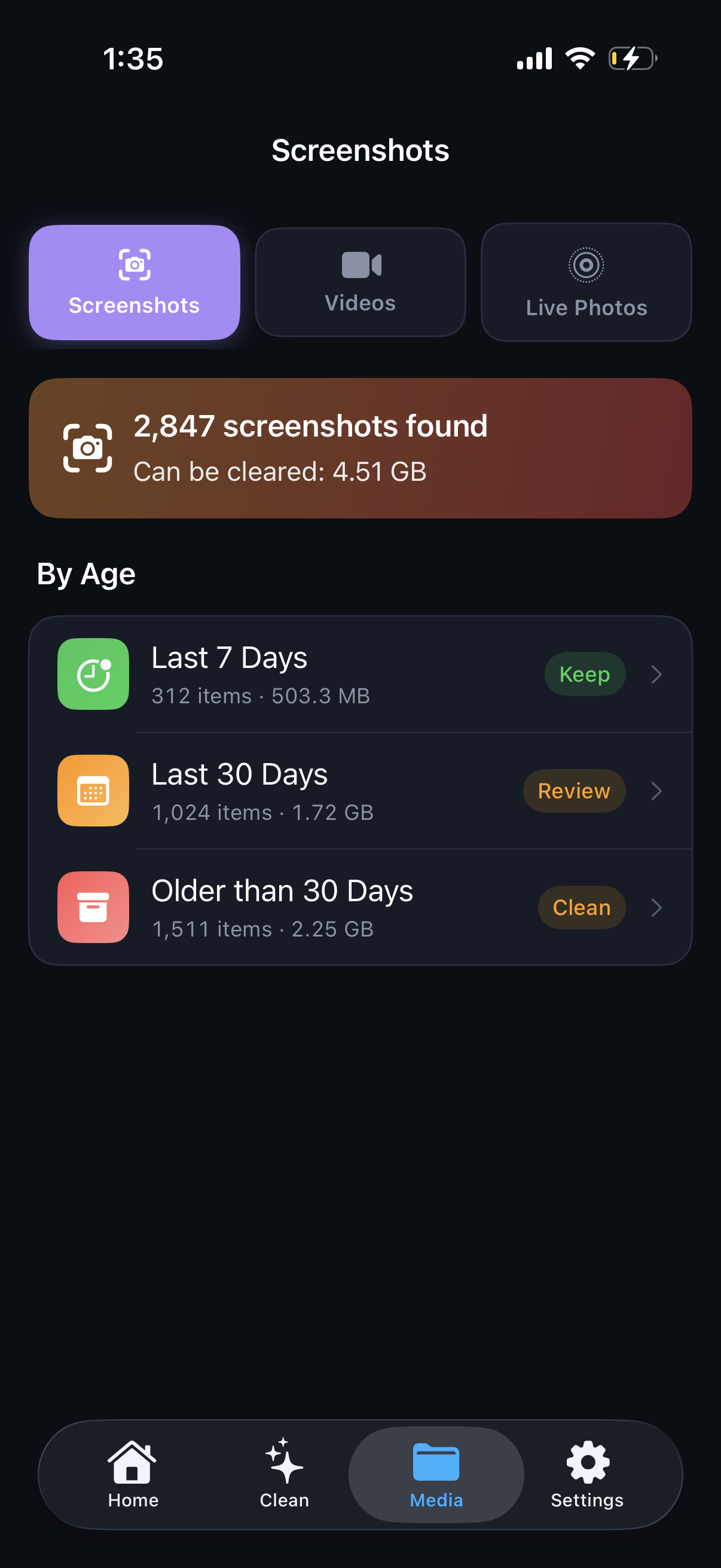
Screenshots are grouped by age — last 7 days, 30 days, and older. Select entire groups and delete in bulk to clear out the clutter that piles up over time.
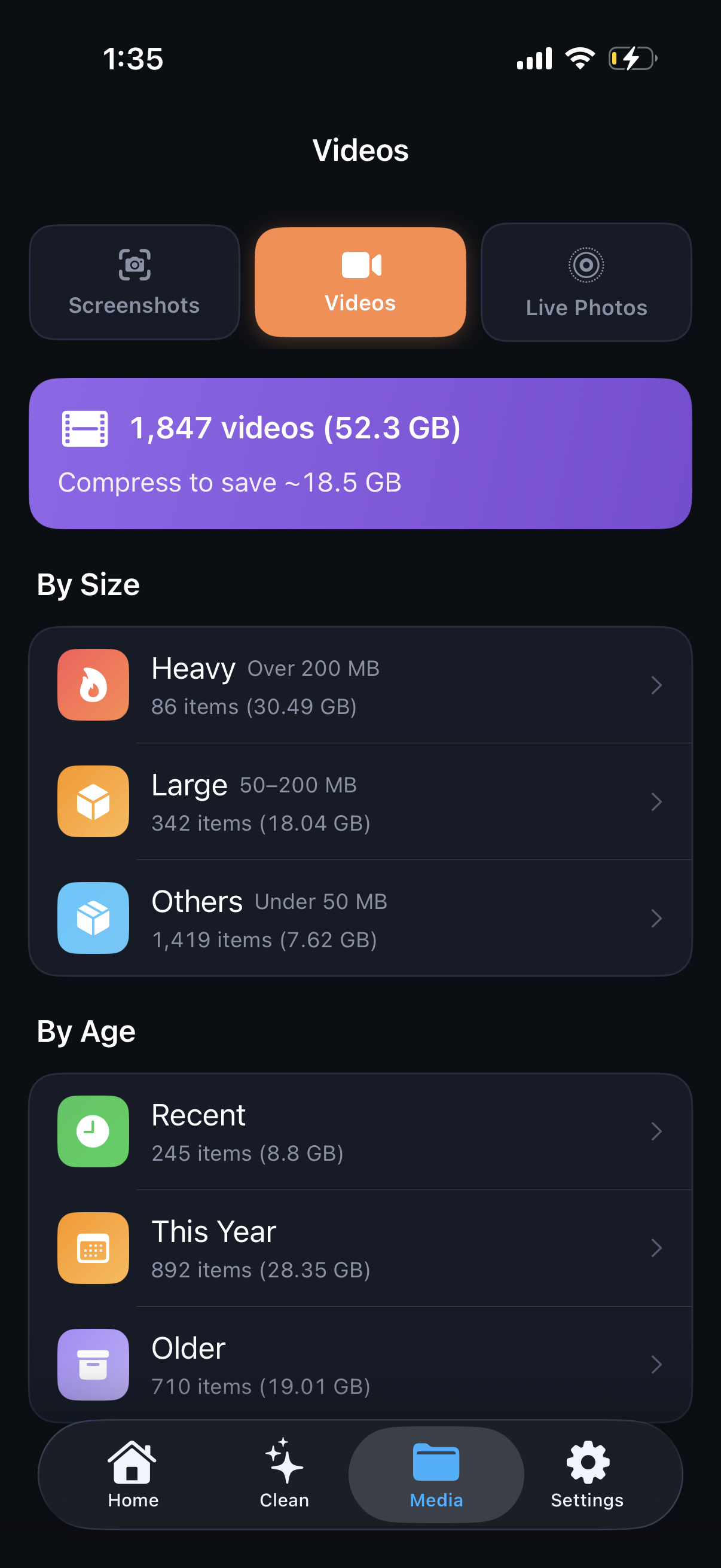
Choose from three quality levels: Optimal (HEVC, up to 4K), Medium (1080p), or Maximum savings (720p). After compression, delete the original to free up storage instantly. No quality loss on the level you choose.
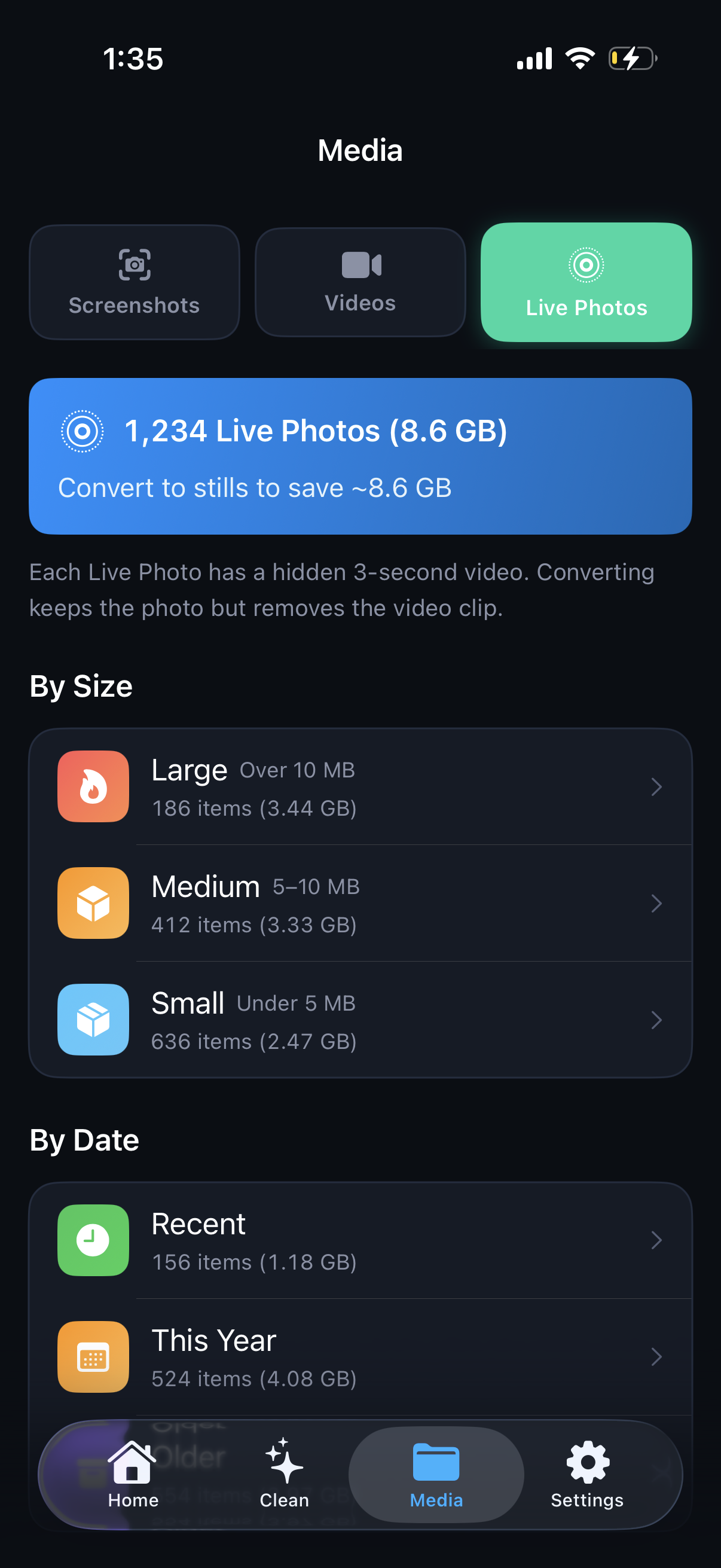
Each Live Photo stores a hidden 3-second video clip. Convert them to stills to remove that extra weight while preserving the original creation date, location, and all metadata.
From smart widgets to Siri shortcuts, Clean Kit gives you a full storage management toolkit.
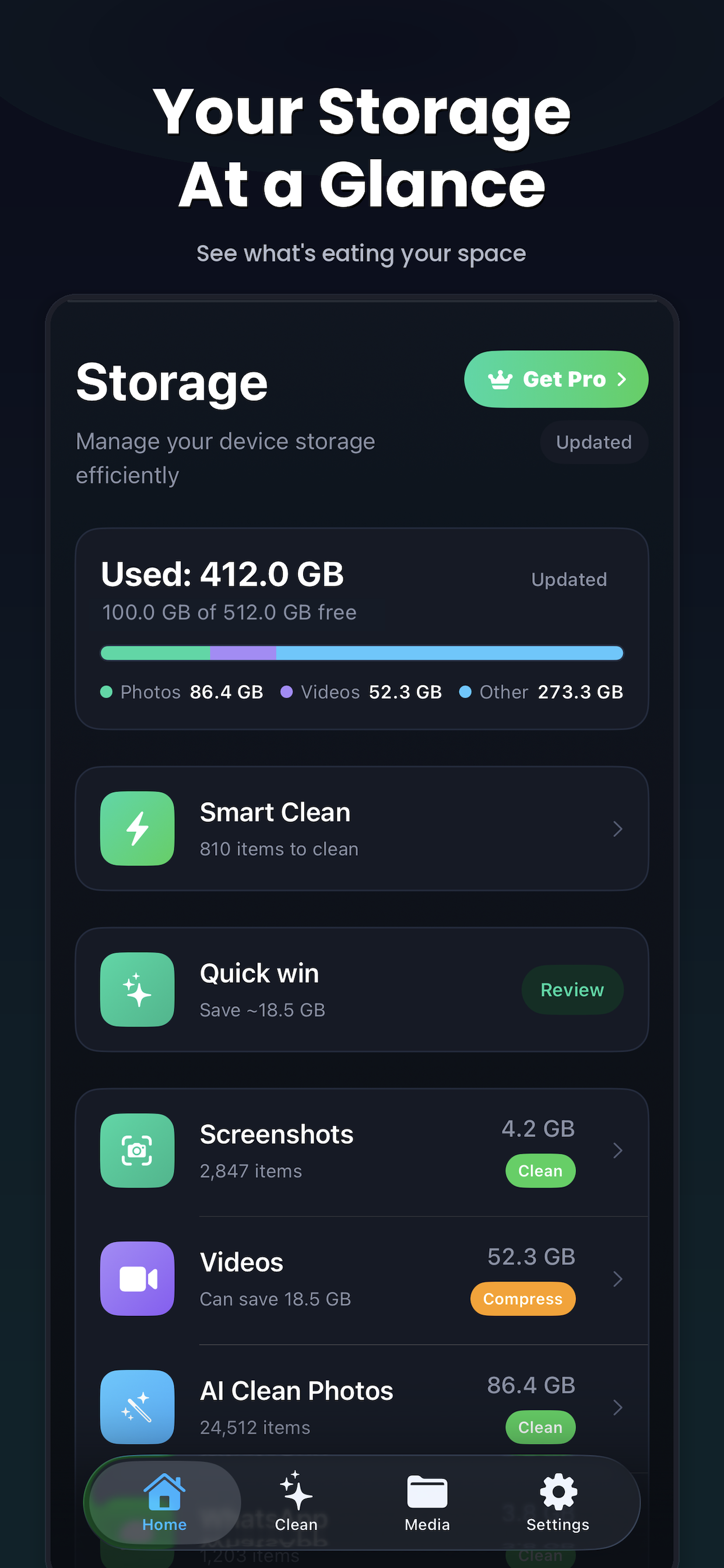
See total, used, and available storage at a glance. A visual breakdown shows how much space photos, videos, screenshots, and Live Photos are using.
Add storage and battery widgets to your Home Screen or Lock Screen. Monitor available space without opening the app.
Ask Siri to check storage, scan for duplicates, or start a Smart Clean — hands-free. Works with the Shortcuts app for custom automations.
Find and delete photos and videos saved from WhatsApp that are filling up your storage silently in the background.
After every cleanup, see an animated summary of storage recovered with a before-and-after comparison and a health grade. Share it as an image.
Universal app with adaptive layouts designed for both iPhone and iPad. Same powerful features on every device.
Open Clean Kit and tap Scan. The app uses Apple's framework to analyze your entire photo library on-device in seconds.
Browse Smart Clean suggestions, review duplicates side by side, and toggle categories on or off. You're always in control.
Tap Clean Now. Deleted items move to Recently Deleted for 30 days — nothing is permanently lost until you confirm.
Download Clean Kit for free and free up gigabytes of space in minutes.